
Free
£0 / no card needed
Try a small set of forms.
- 3 forms, drafts included
- 300 submissions a month
- 3 certified records a month
Encrypted forms for teams
Create forms, receive private answers and keep a record you can verify. For care teams, charities, businesses and public services handling intake, consent and everyday admin.
Free for 3 forms. Plus £9/month. Team £39/month.
Here to fill in a form? Enter your code.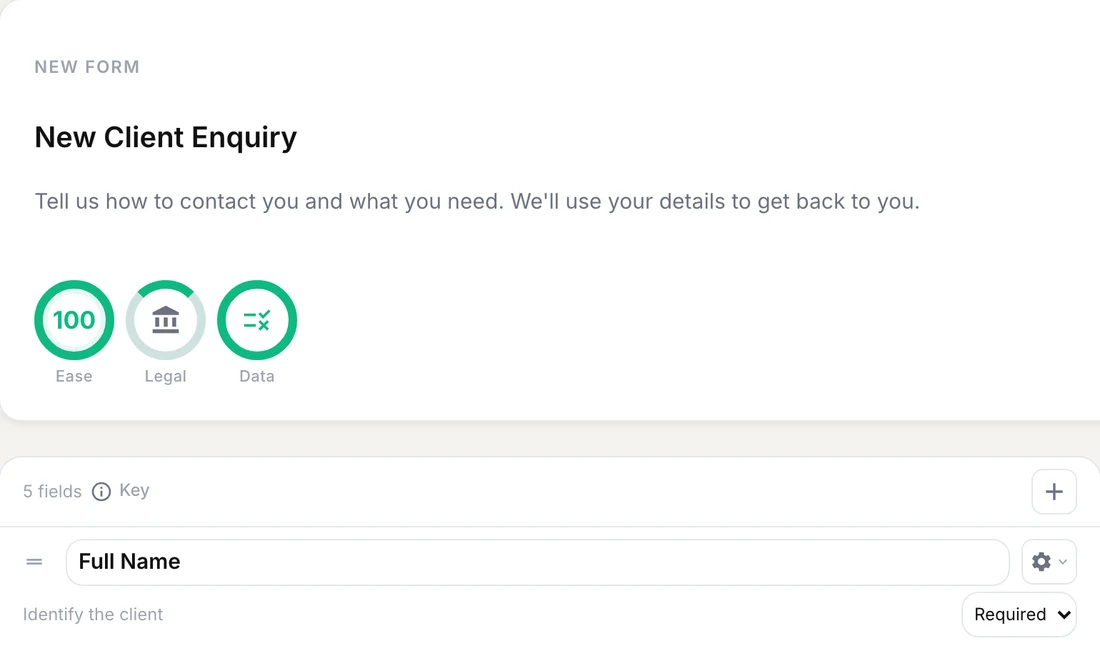
The AI writes the questions. It never sees the answers.
Example: a client enquiry. Draft the questions, share the form, then handle the answer in ParrotIt.
Tell ParrotIt who will fill in the form and what you need to know. Edit the draft, then share a link or QR code.
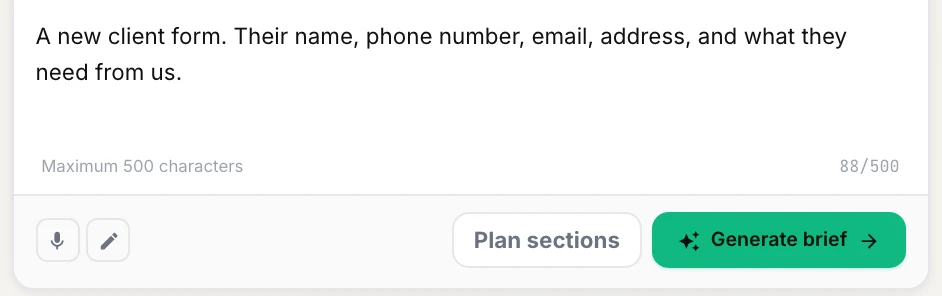
Your client fills it in on their phone. Answers are encrypted before sending and opened on your authorised device.
Illustrative client enquiry
DeliveredReview, sign or export the record. When you both need a lasting agreement, both sides can certify it.
When both sides have certified
CertifiedA locked record, a verification link and a copy you can save.
Pay for more forms, more certified records and sharing with partner teams. Every plan includes encrypted submissions.
£0 / no card needed
Try a small set of forms.
£9 / month, billed monthly
Run regular intake with your own branding.
£39 / month, billed monthly
Handle higher volumes and work with more partner teams.
Yearly billing also available. Need a larger rollout? Contact sales.
Compare all plans and billing optionsParrotIt stores encrypted answers. Your authorised recipients can open them; ParrotIt and its AI cannot. People can keep reusable answers on their own device.
How encryption worksA certified record has a public verification link, a portable copy that checks for changes and an independent timestamp for each certify act.
The verification page shows the record’s status, not its private answers.
How record verification worksRoutine admin intake, care referrals, consent, and contact updates.
Support requests, referrals, volunteer onboarding, and consent forms.
Client onboarding, quote requests, service agreements, and compliance checklists.
Resident service requests, evidence checklists, community referrals, and feedback.
Trip consent, memberships, emergency contacts, and participant registration.
Choose a starting point, create your account, then review and edit the draft.
No. They open your link or scan a QR code and fill in the form in their browser. It is always free for them. They can save answers on their own device to reuse next time and see what happened to their submission.
Yes. Review the AI draft, then add, remove or reword questions before publishing. Share a short link or QR code, or add the form link to your website. Team also lets you offer a return to your website after submission.
Signing marks a record handled and can be revoked. When both sides certify, the record locks. Rescission requires both sides to agree. The public verification page shows the certification status without exposing the answers. Certification verifies the record, not whether every answer is true.
Both sides can save a portable copy. It opens offline, checks whether the document has been altered and prints to A4 or Letter. Each certify act has an independent timestamp, with the verification evidence carried in the file.
Existing records remain available. To create more forms, archive a finished form or upgrade. To start more certifications, upgrade or wait for the next monthly allowance. Submission allowances are currently monitored rather than blocked.
You can change plans or billing periods in Plans & billing. Cancel there at any time; your paid plan runs to the end of the period, then moves to Free. Paid features switch off, but existing certified records stay certified. Unused time is not refunded.
Choose an account, describe your form and review the draft.